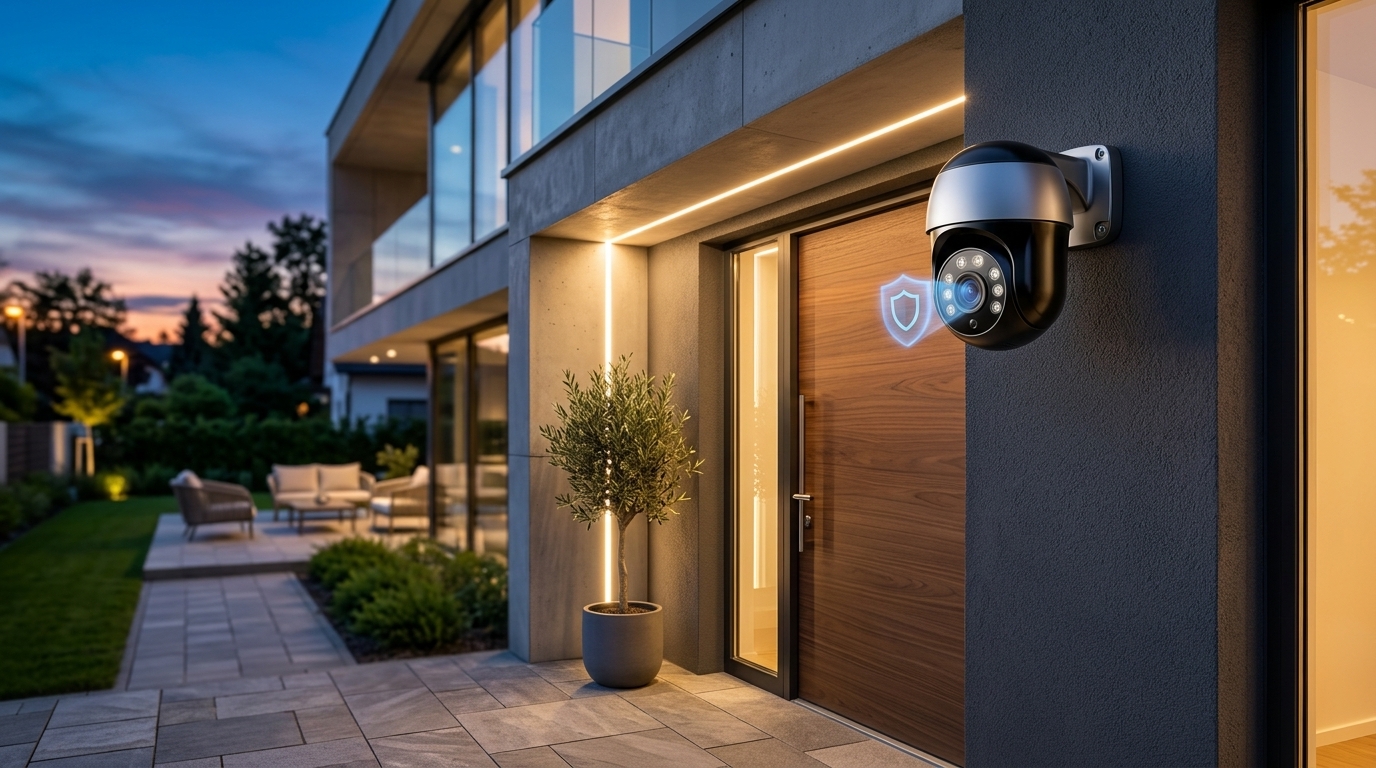
Installing smart home security cameras is one of the fastest ways to deter package thieves, monitor driveways, and keep an eye on your property while traveling. However, many homeowners rush into buying popular battery-powered Wi-Fi cameras only to discover two frustrating surprises: batteries that die right in the middle of winter and mandatory monthly cloud subscriptions just to watch recorded video clips.
Choosing between Wireless (Battery/Wi-Fi) cameras and Wired Power-over-Ethernet (PoE) camera systems comes down to installation convenience, video reliability, and long-term ownership cost. Here is a clear, real-world comparison of both security setups so you can protect your home without getting locked into endless subscription bills.
Quick Comparison: Wired PoE vs. Wireless Security Cameras
| Feature | Wireless Cameras (Battery / Wi-Fi) | Wired PoE Camera Systems (Ethernet) |
|---|---|---|
| Installation Difficulty | Very Easy (DIY peel-and-stick or 2 screws in 10 mins) | Moderate to Hard (Requires running Ethernet cables) |
| Recording Reliability | Records only short motion clips (May miss fast action) | 24/7 Continuous Recording (Never misses a second) |
| Power & Maintenance | Must recharge batteries every 2–4 months (or use solar) | Constant power through single Ethernet cable |
| Wi-Fi Jamming Risk | Vulnerable to weak Wi-Fi or wireless signal jammers | Immune to Wi-Fi dropouts (Hardwired connection) |
| Monthly Cloud Fees | Usually $4 to $15/month for video history & AI alerts | $0/month (Stores weeks of 4K video locally on NVR) |
1. Wireless Battery & Wi-Fi Cameras: Best for Renters and Quick DIY Setups
Wireless security cameras (such as Ring, Arlo, Blink, or Eufy SoloCam) connect directly to your home Wi-Fi router and run on rechargeable lithium batteries or small plug-in power adapters.
- Why they shine: Anyone can mount a wireless camera above a front porch or backyard gate in ten minutes using a basic screwdriver—making them ideal for renters, apartments, or spots where drilling through exterior brick walls is impractical. Adding a small $30 solar panel accessory keeps outdoor battery cameras topped off year-round without climbing ladders.
- The Trade-Off: To conserve battery life, wireless cameras stay asleep until a motion sensor wakes them up—which can cause a one-to-two-second delay that misses the start of an event. Furthermore, most major brands lock basic features like person detection and cloud video playback behind recurring monthly fees.
2. Wired PoE Camera Systems: Maximum Reliability and Zero Monthly Fees
Power-over-Ethernet (PoE) security systems (from brands like Reolink, Ubiquiti UniFi Protect, or Lorex) use a single Cat5e or Cat6 network cable to deliver both continuous electrical power and ultra-fast video data from each camera directly to a central Network Video Recorder (NVR) box inside your home.
- Why they shine: Because PoE cameras have constant hardwired power and never rely on Wi-Fi, they record true 24/7 continuous 4K footage onto a local hard drive inside your NVR—giving you weeks of playback history with zero monthly subscription fees and zero vulnerability to Wi-Fi congestion or signal jammers.
- The Trade-Off: Running Ethernet cables through an attic, basement, or exterior soffit takes upfront weekend labor or hiring a local low-voltage installer.
3. How to Avoid Monthly Cloud Fees With Local Storage
If you prefer the convenience of wireless Wi-Fi cameras but refuse to pay $120+ every year in cloud subscriptions, look specifically for cameras offering on-device local storage.
- The Money-Saving Feature: Brands like Eufy, Reolink, and TP-Link Tapo build microSD card slots directly into their cameras (or store footage encrypted on an indoor HomeBase hub). Buying a high-endurance 128GB microSD card for $15 gives you weeks of local video recordings accessible right from your smartphone app anywhere in the world—saving you over $500 in subscription fees over five years.
4. Check Night Vision Type: Infrared vs. Color Night Vision
Grainy, washed-out black-and-white night footage often makes it impossible to read a license plate or recognize faces in the dark.
- What to look for: Traditional cameras use invisible Infrared (IR) LEDs that capture crisp monochrome video in pitch darkness without glowing brightly. Newer Color Night Vision cameras combine large image sensors with warm built-in spotlights that turn on automatically when motion is detected—capturing full-color clothing and vehicle details while actively scaring off intruders.
5. Lock Down Camera Privacy With Two-Factor Authentication
Any security camera connected to your home network is only as private as the account password protecting it.
- Essential Security Steps: Always enable Two-Factor Authentication (2FA) inside your camera app, change any default device passwords immediately during setup, and avoid placing indoor Wi-Fi cameras inside private bedrooms or bathrooms—keeping indoor cameras pointed strictly at exterior entry doors, hallways, or living areas while you are away.
Choosing the Best Security Setup for Your Property
If you rent your home, want a quick ten-minute installation, or only need to monitor a front doorstep, a wireless Wi-Fi camera with local microSD storage delivers great value without monthly bills. However, if you own a house and want rock-solid 24/7 4K recording that works even if your internet goes down, investing in a wired PoE camera system provides unmatched security and pays for itself by eliminating subscription fees forever.