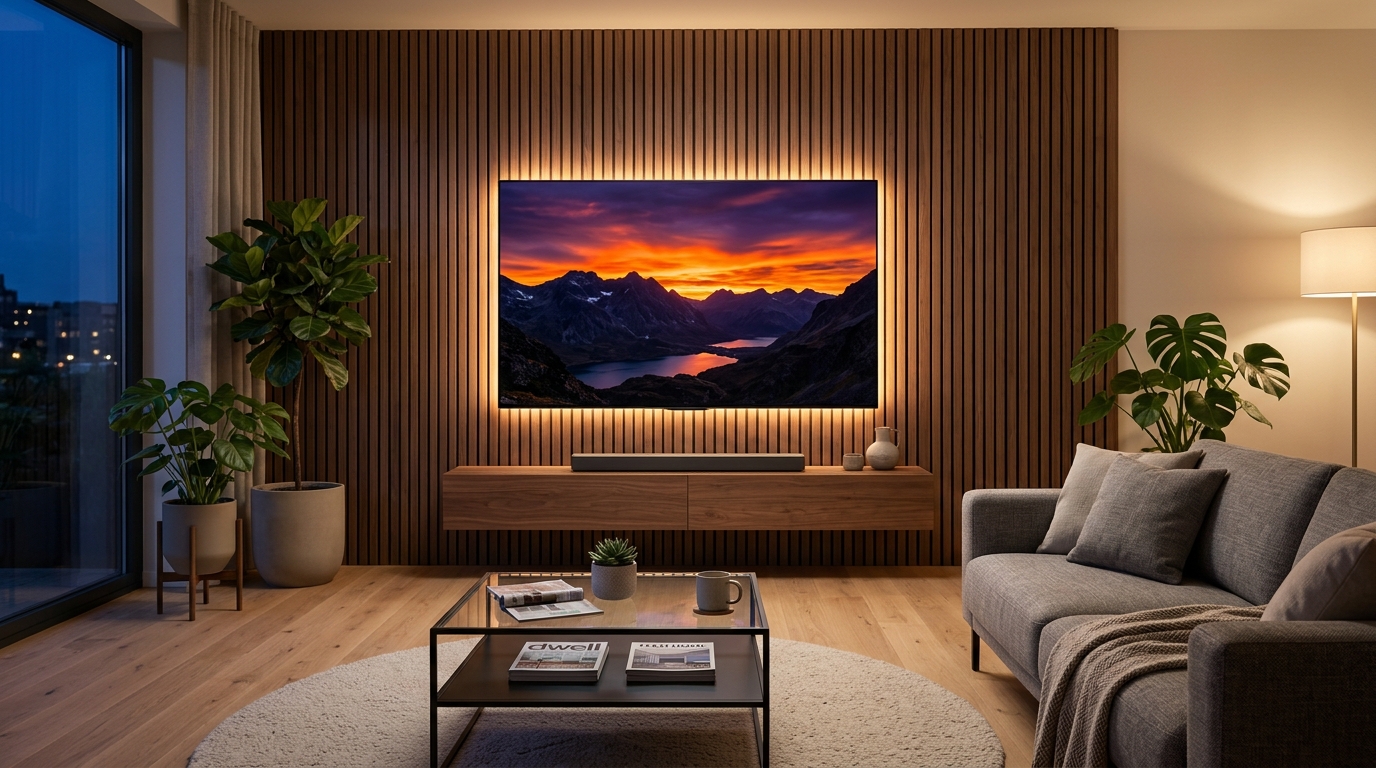
Walking into an electronics store or browsing online for a new 4K television can quickly feel overwhelming. Brands throw around dozens of technical acronyms—OLED, QLED, Mini-LED, Dolby Vision, and 120Hz—while retail showrooms crank up screen brightness to artificial levels that look nothing like a real living room.
Because a good television is an investment that lasts five to eight years, understanding how these display technologies actually work will save you hundreds of dollars and ensure you get the best picture quality for your specific room. Here is a clear, jargon-free guide to choosing the right 4K TV.
Quick Comparison: 4K TV Display Technologies
| Display Type | Best Room Lighting | Black Levels & Contrast | Peak Brightness | Price Range |
|---|---|---|---|---|
| OLED | Dark rooms & home theaters | Perfect (True pitch-black pixels) | Moderate to High | Premium ($$$) |
| Mini-LED | Bright living rooms with windows | Excellent (Very close to OLED) | Ultra-High | Mid-to-High ($$) |
| Standard QLED | Sunny rooms & daytime sports | Good (Slight gray glow in dark rooms) | High | Affordable ($) |
1. OLED TVs: The King of Movie Nights and Dark Rooms
OLED (Organic Light-Emitting Diode) displays work completely differently from traditional televisions. Instead of using a backlight panel behind the screen, every single pixel on an OLED TV produces its own light and can turn off completely independently.
- Why it shines: When a movie scene shows a starry night sky, the black pixels shut off entirely—creating infinite contrast, zero light bleed, and rich, lifelike colors from any viewing angle.
- The Trade-Off: OLED panels are generally not as bright as Mini-LED screens in rooms flooded with direct sunlight, and they carry a higher price tag. They are the undisputed champion for evening movie watchers and console gamers.
2. Mini-LED TVs: Best All-Around Performance for Bright Rooms
Mini-LED is a major upgrade to traditional LED/LCD televisions. Instead of illuminating the screen with a few dozen large backlight bulbs, Mini-LED TVs pack thousands of microscopic LEDs behind the display, grouped into hundreds of local dimming zones.
- Why it shines: Mini-LED televisions achieve incredible peak brightness, allowing HDR movies, outdoor sports, and daytime TV shows to look crisp and vibrant even in sunny living rooms with big windows—all while delivering deep blacks that come remarkably close to OLED quality at a lower price.
3. Standard QLED TVs: Best Value on a Budget
QLED (Quantum Dot LED) TVs use a microscopic layer of quantum dots placed in front of a standard LED backlight to boost color volume and brightness.
- Why it shines: If you want a large 65-inch or 75-inch screen for everyday family viewing, news, and weekend sports without spending over $1,000, a mid-range QLED TV delivers punchy colors and reliable performance for a fraction of the cost of flagship models.
- The Trade-Off: Because standard QLED TVs lack thousands of tiny local dimming zones, dark movie scenes watched with the lights turned off may show a faint grayish glow around bright subtitles.
4. Don't Fall for "Fake" Refresh Rate Marketing
TV boxes frequently advertise confusing numbers like "Motion Rate 240" or "Clear Motion 120" when the screen is actually a standard 60Hz panel.
- The Smart Fix: Check the detailed technical specifications for the Native Refresh Rate. A native 60Hz TV is completely fine for regular TV shows, Netflix movies, and casual viewing. However, if you watch fast-paced live sports (like soccer, hockey, or Formula 1) or play PlayStation 5 / Xbox Series X games, upgrading to a native 120Hz panel makes fast motion noticeably smoother and sharper.
5. Save Money on Smart TV Features and Extended Warranties
Every modern TV comes built-in with a smart operating system (such as Google TV, webOS, or Tizen), and checkout pages almost always push expensive extended protection plans.
- The Smart Fix: Never choose a TV solely based on its built-in smart menu, as internal TV processors inevitably slow down after three or four years. Simply plug in an inexpensive $30 to $50 streaming stick (like an Apple TV 4K, Roku, or Fire TV Stick) whenever you want fast, smooth apps. Additionally, skip pricey store extended warranties—many major credit cards automatically double your manufacturer’s warranty for free when you use them to purchase electronics.
Picking the Right Screen Size for Your Sofa Distance
Before clicking "Buy," measure the exact distance from your couch to the TV wall. As a simple rule of thumb for crisp 4K resolution, divide your viewing distance in inches by 1.5—meaning if you sit 8 feet (96 inches) away from the screen, a 65-inch 4K TV delivers the ideal immersive theater experience without straining your eyes.