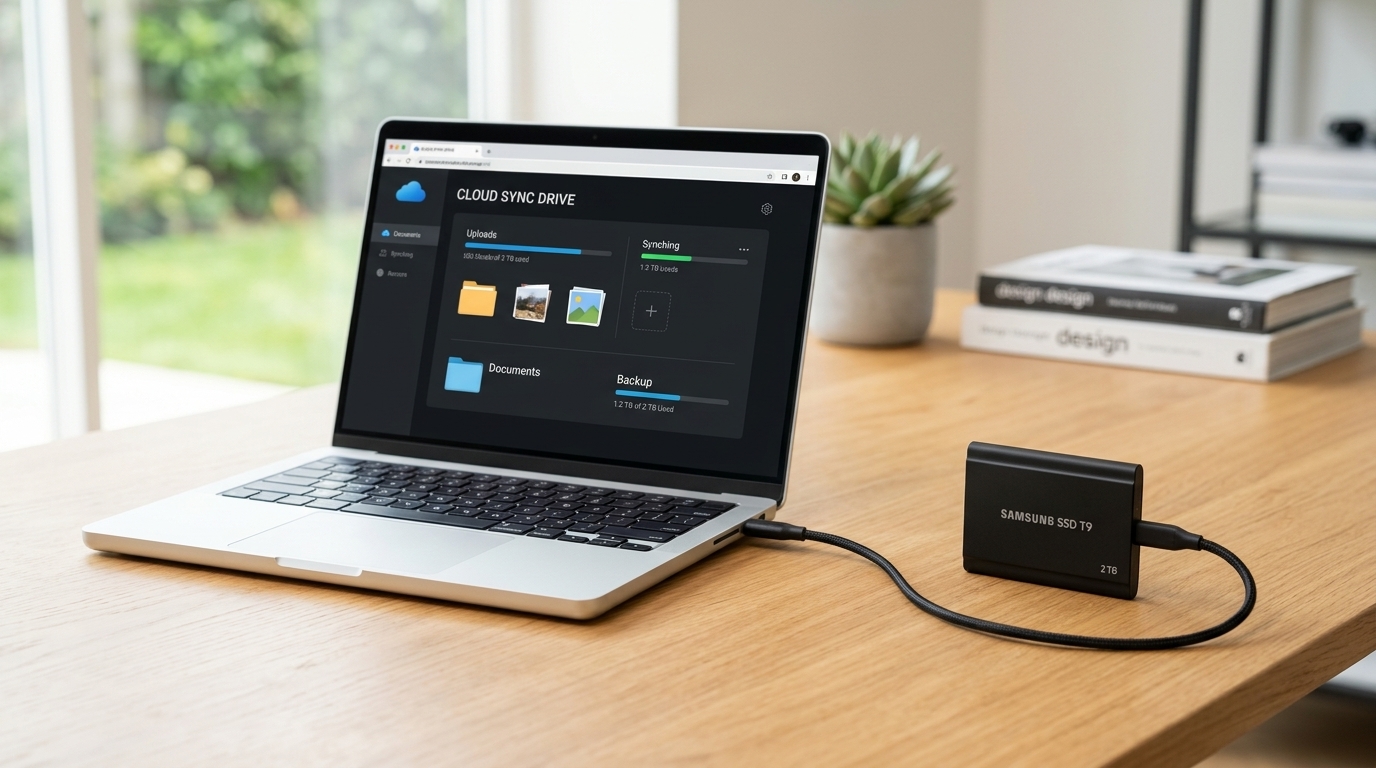
Every single day, we create and store irreplaceable digital files—from family photos and personal tax documents to business contracts and creative projects. Yet, millions of people leave their digital lives vulnerable to sudden laptop crashes, accidental deletions, or ransomware attacks simply because they do not have a reliable backup system.
When it comes to protecting your files, the two most popular choices are Cloud Storage (such as Google Drive, iCloud, or Dropbox) and External Hard Drives / SSDs. Both options have distinct financial, security, and practical trade-offs. Here is a complete breakdown to help you choose the safest and most cost-effective backup strategy.
Quick Comparison: Cloud vs. Physical Drives
| Feature | Cloud Storage | External Hard Drive / SSD |
|---|---|---|
| Pricing Model | Recurring monthly or annual subscription | One-time upfront hardware purchase |
| Accessibility | Access from any device anywhere with internet | Requires physical connection to your computer |
| Disaster Protection | Protected against house fires, theft, and floods | Vulnerable if kept in the same physical location |
| Transfer Speed | Depends on your home internet upload speed | Ultra-fast local file transfers (especially SSDs) |
| Internet Required? | Yes, for uploading and downloading files | No, works completely offline anytime |
1. The Case for Cloud Storage
Cloud storage saves your files on secure, remote servers maintained by major technology companies, allowing you to sync and access your data over the internet.
- Automatic Peace of Mind: Once configured, cloud platforms quietly back up your photos and documents in the background every single day without you having to remember to plug anything in.
- Effortless Sharing and Multi-Device Sync: You can start editing a spreadsheet on your desktop computer at home and immediately open the updated version on your smartphone while traveling.
- The Downside: While most providers offer 5 GB to 15 GB for free, storing terabytes of high-resolution videos requires an ongoing monthly subscription that adds up over the years.
2. The Case for External Hard Drives and SSDs
External drives—especially modern Solid State Drives (SSDs)—give you complete physical ownership of your data without recurring fees.
- One-Time Cost: Buying a high-speed 2 TB or 4 TB portable SSD costs a single upfront fee, with zero monthly bills or price hikes down the road.
- Massive Speed and Privacy: Transferring huge video folders or entire system backups takes seconds via a USB-C cable, and your sensitive files never travel over third-party servers.
- The Downside: Physical drives can be lost, stolen, dropped, or destroyed in a fire or flood alongside your main computer if stored in the same room.
3. Why Solid State Drives (SSDs) Beat Traditional Hard Drives (HDDs)
If you decide to purchase a physical backup drive, pay close attention to the technology inside the casing.
- The Smart Hardware Choice: Traditional Hard Disk Drives (HDDs) rely on spinning magnetic platters and delicate mechanical arms that can easily break if knocked off a desk. Modern portable SSDs have zero moving parts, transfer files up to five times faster, and are far more durable for everyday travel.
4. The Golden Rule: The 3-2-1 Backup Strategy
Cybersecurity professionals and IT experts never rely on just one single backup method. Instead, they follow the industry-standard 3-2-1 Backup Rule to guarantee zero data loss:
- 3 Copies of Your Data: Keep your original working files plus at least two backups.
- 2 Different Storage Types: Store your files on two separate media formats—for example, your computer's internal drive and an external portable SSD.
- 1 Offsite Copy: Keep at least one backup in a completely separate physical location, which is where an automated Cloud Storage account shines.
Building a Bulletproof Digital Safety Net
You do not have to choose exclusively between the cloud and physical drives. Combining an affordable cloud plan for your most critical everyday documents and photos with a fast external SSD for large media archives gives you maximum speed, total privacy, and complete protection against unexpected disasters.