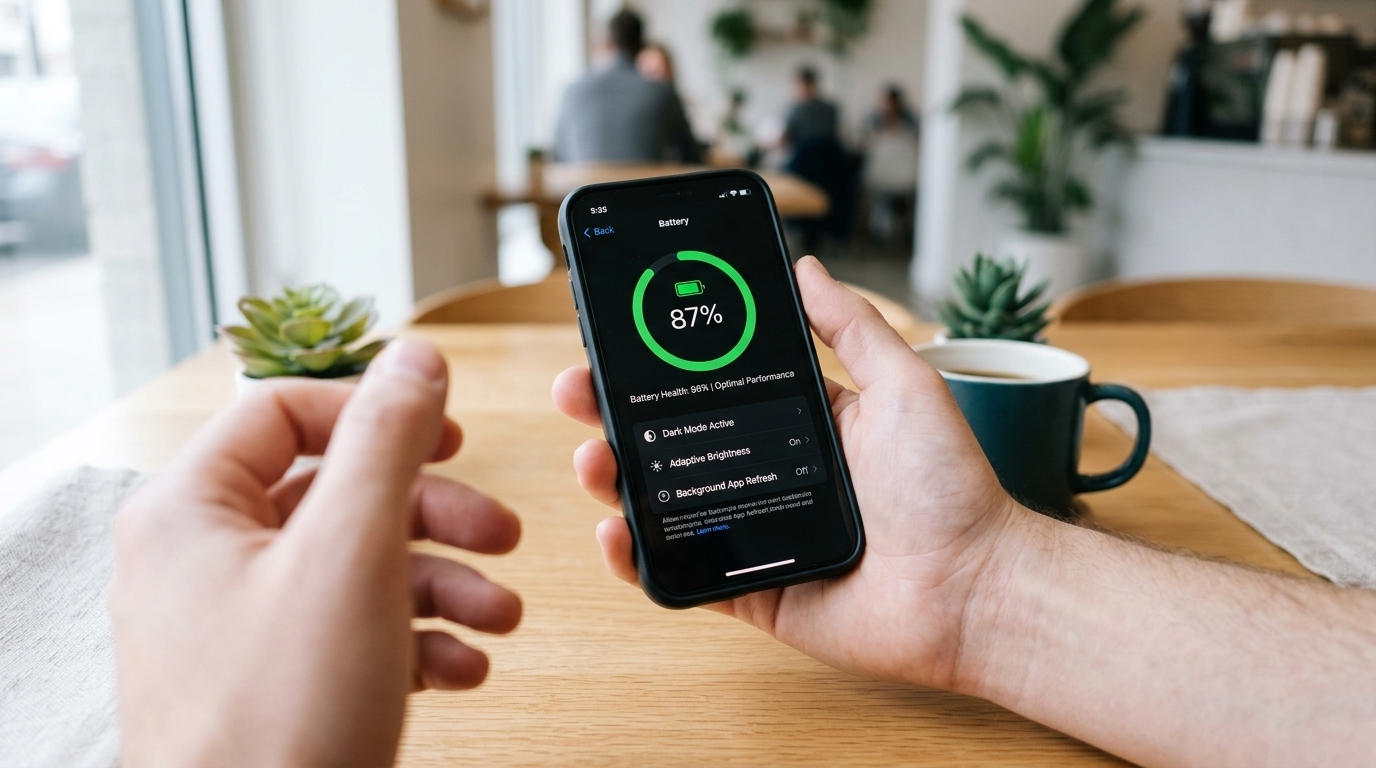
Nothing is more frustrating than watching your smartphone battery drop into the red zone halfway through the afternoon. Over time, every phone battery naturally loses its ability to hold a full charge, forcing users to constantly hunt for wall outlets or carry bulky portable chargers everywhere they go.
Fortunately, rapid battery drain is often caused by hidden background settings and everyday charging habits rather than a defective device. By making a few simple adjustments to how you configure and charge your phone, you can gain hours of extra daily usage and keep your battery healthy for years. Here are five proven ways to extend your smartphone battery life.
1. Turn On Adaptive Battery and Optimized Charging
Modern iOS and Android smartphones come equipped with intelligent software tools specifically designed to slow down battery aging, yet many users never activate them.
- The Smart Fix: Go into your phone’s battery settings and enable Optimized Battery Charging (on iPhone) or Adaptive Battery / Protect Battery (on Android). These features learn your daily routine and slow down the final 20% of charging overnight, preventing the battery from sitting at 100% under high voltage for hours while you sleep.
2. Switch to Dark Mode on OLED Screens
If you own a smartphone released within the last few years, it likely features an OLED or AMOLED display. Unlike older LCD screens, OLED panels illuminate each individual pixel separately.
- The Smart Fix: Switch your phone’s system theme—and your most-used apps—to Dark Mode. Whenever your screen displays true black pixels on an OLED display, those pixels are completely turned off, consuming zero power and saving up to 30% of your daily battery life during heavy screen usage.
3. Restrict Background App Refresh and Location Tracking
Dozens of apps quietly run in the background, refreshing social media feeds, syncing data, and pinging your GPS location even when your phone is locked inside your pocket.
- The Smart Fix: Open your privacy settings and change location permissions for non-essential apps from "Always" to "While Using the App." Additionally, disable Background App Refresh for apps that do not need to send you instant real-time notifications, stopping silent battery drain immediately.
4. Avoid Extreme Temperatures While Charging
Heat is the number one enemy of lithium-ion smartphone batteries. Exposing your device to high temperatures permanently degrades its internal chemical capacity faster than anything else.
- The Smart Fix: Never leave your phone charging on a car dashboard in direct sunlight, under a pillow, or inside a thick protective case if the device feels hot to the touch. Removing a heavy case while fast-charging allows heat to dissipate safely, preserving long-term battery health.
5. Lower Screen Brightness and Shorten Auto-Lock Time
Your smartphone’s bright, high-resolution screen is by far the single biggest consumer of battery power on the entire device.
- The Smart Fix: Enable Auto-Brightness so your display dims automatically indoors instead of blasting at maximum brightness all day. Furthermore, set your screen’s Auto-Lock (or Screen Timeout) timer to 30 seconds. Preventing your display from staying lit for minutes after you set it down saves a surprising amount of power over the course of a week.
Getting More Out of Your Device Every Day
Taking care of your smartphone’s battery does not require turning off all the smart features you love. By adopting smarter charging habits and limiting unnecessary background activity, you can enjoy reliable all-day battery life and delay the expense of buying a new phone.