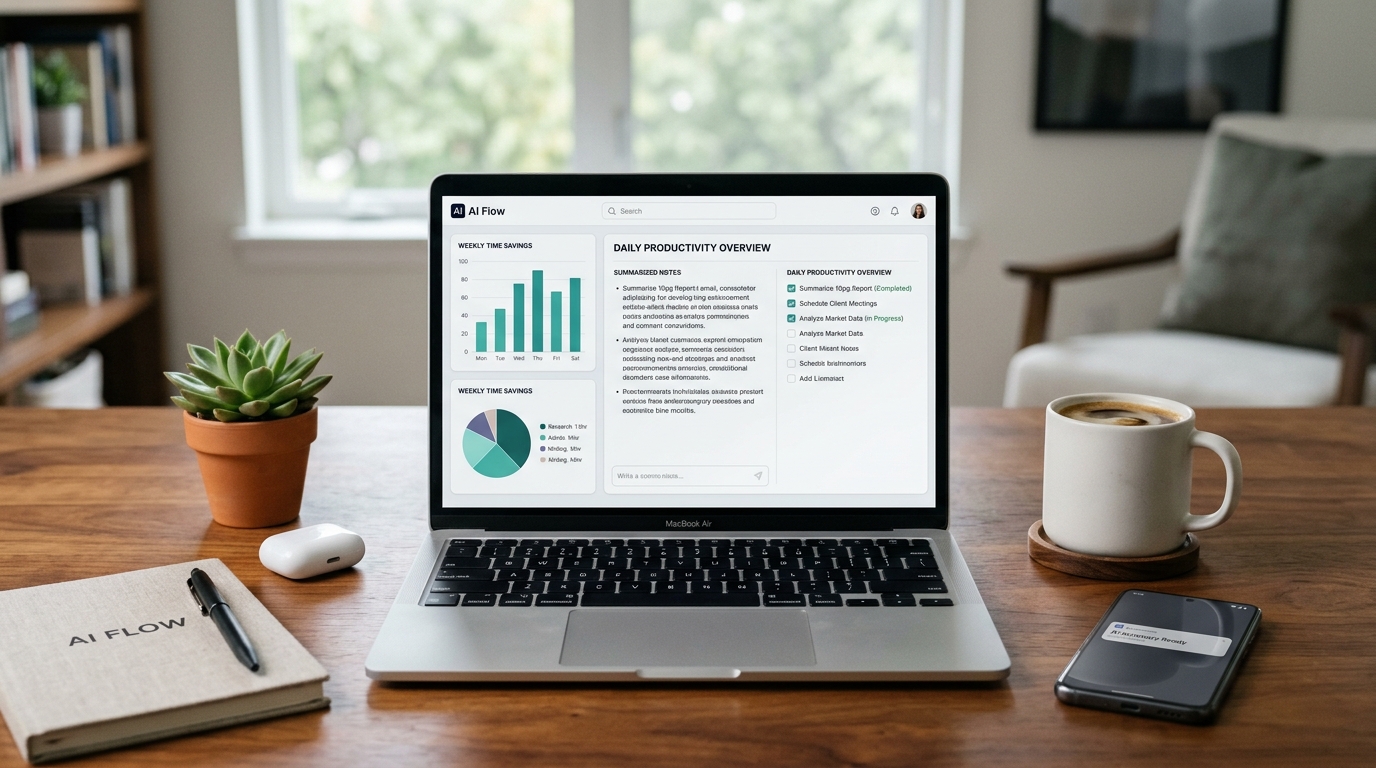
Artificial Intelligence is no longer a futuristic concept reserved for tech giants. Today, accessible AI-powered platforms are helping everyday professionals, students, and small business owners automate repetitive tasks and drastically cut down their weekly workload.
Whether you need to summarize long documents, organize complex schedules, or draft professional emails in seconds, the right software can act as a personal assistant. Here are five free AI tools that will boost your daily productivity immediately.
1. Perplexity AI: The Smart Research Assistant
Traditional search engines often force you to click through dozens of links and ads just to find a direct answer to a complex question.
- How it saves time: Perplexity works as an intelligent conversational search engine. Instead of giving you a list of websites, it reads multiple sources in real time and writes a clear, summarized answer complete with clickable citations.
- Best for: Fast market research, fact-checking, and summarizing breaking news topics.
2. Notion AI: Effortless Note Organization
Keeping track of meeting notes, project outlines, and daily to-do lists can quickly become messy when information is scattered across different apps.
- How it saves time: Built directly into the popular Notion workspace, this AI assistant can take a wall of messy, unstructured text and instantly turn it into clean bullet points, action items, or organized tables.
- Best for: Structuring projects, brainstorming ideas, and cleaning up rough drafts.
3. Otter.ai: Automated Meeting Transcriptions
Taking manual notes during online video calls or in-person lectures often prevents you from fully paying attention to the conversation.
- How it saves time: Otter connects to your virtual meetings (like Zoom, Google Meet, or Microsoft Teams) and transcribes spoken words into searchable text in real time. Once the call ends, it automatically generates a concise summary highlighting the key decisions made.
- Best for: Remote workers, students, and journalists conducting interviews.
4. Gamma: Instant Presentation Builder
Designing slide decks from scratch—adjusting fonts, aligning images, and formatting layouts—can easily consume an entire afternoon.
- How it saves time: With Gamma, you simply type in your presentation topic or paste a rough outline. Within seconds, the AI generates a complete, visually appealing presentation with structured slides, relevant layouts, and clean formatting ready for minor tweaks.
- Best for: Creating business pitches, educational slides, and project reports in minutes.
5. Grammarly: Real-Time Writing Polish
Sending a business proposal or an important email with typos or awkward phrasing can hurt your professional credibility.
- How it saves time: Beyond catching basic spelling mistakes, Grammarly’s AI engine analyzes the tone and clarity of your writing as you type across your browser. With a single click, it suggests smoother, more professional ways to rewrite complex sentences.
- Best for: Writing clear emails, polishing articles, and improving daily communication.
How to Integrate AI Without Getting Overwhelmed
The secret to adopting Artificial Intelligence is to start small. Pick just one tool from this list that solves your biggest daily bottleneck, test its free tier for a week, and watch how much free time you gain back for higher-priority tasks.