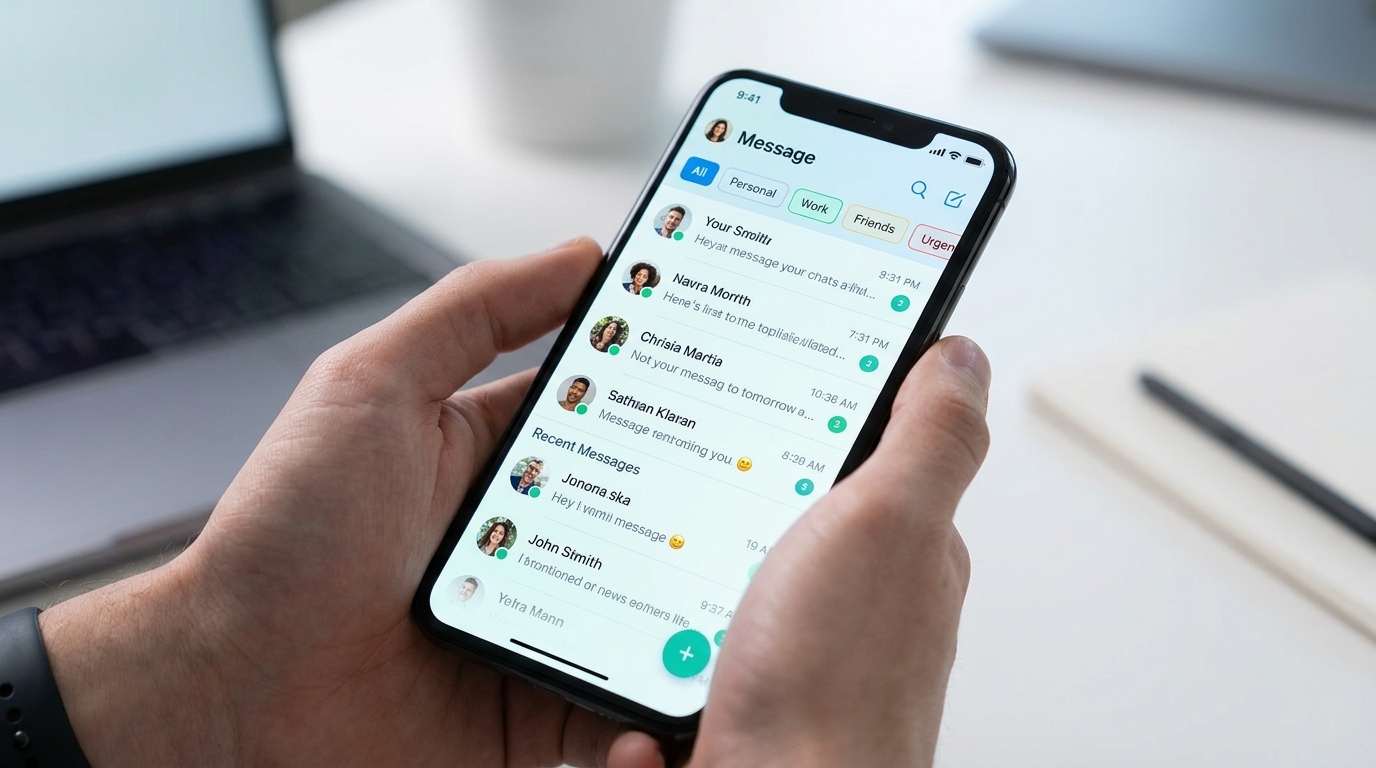
The world’s most popular messaging app has just launched a new global update that promises to transform how users organize their daily chats. The new feature, which had been tested in development versions, has finally been released to the general public and is now available for both Android and iPhone (iOS) smartphones.
Whether you use the application for work, sales, or just catching up with friends and family, this new tool will save you a lot of time and prevent important messages from getting lost in the middle of your feed.
What Changes with the New WhatsApp Update?
The main change in this update is the arrival of Custom Chat Filters. From now on, in addition to the default options that the app already offered (such as "All", "Unread", and "Groups"), users can create their own categories to separate their chats.
In practice, this means you can create an exclusive tab called "Work", another called "Family", or even a folder for "Pending Clients". By clicking on one of these tabs at the top of the screen, only the chats included in that category will be displayed, instantly cleaning up your application's layout.
Main advantages of the new feature:
- Focus on what matters: Separate professional and personal conversations with just a single tap on the screen.
- Organization for Business: Excellent for anyone who uses their phone for sales and needs to track each client's status.
- Visual Privacy: Prevent others from seeing all your open chats when opening the app near someone.
Step-by-Step: How to Activate and Configure It on Your Device
To gain access to the new feature, the first mandatory step is to ensure that your application is running the most recent version available on the market.
1. Update the App in Google Play or App Store
Access the app store on your smartphone (Google Play Store on Android or App Store on iPhone), search for "WhatsApp", and check if the "Update" button is available. If so, click it and wait for the download to complete.
2. Creating Your First Custom Filter
Once the application is updated, open WhatsApp and follow the instructions below:
- At the top of the chat screen, scroll the default filters bar to the end and click the "+" (Plus) icon.
- Type the name you want to give to your new category (Example: Work or Urgent).
- Tap "Add chats" and select the contacts or groups that will be part of this filter.
- Click "Save".
That's it! The new tab will appear immediately at the top of your app. You can create multiple categories and edit the contacts inside them at any time by pressing and holding the filter's name.
Security and Performance Tip
Keep in mind that new features can take a few hours to appear for the entire user base even after updating the app, as Google and Apple roll out packages gradually across different regions.
If you updated the application and the feature hasn't appeared yet, clear the app's cache in your phone's settings or restart your device to force WhatsApp to load the new system updates.