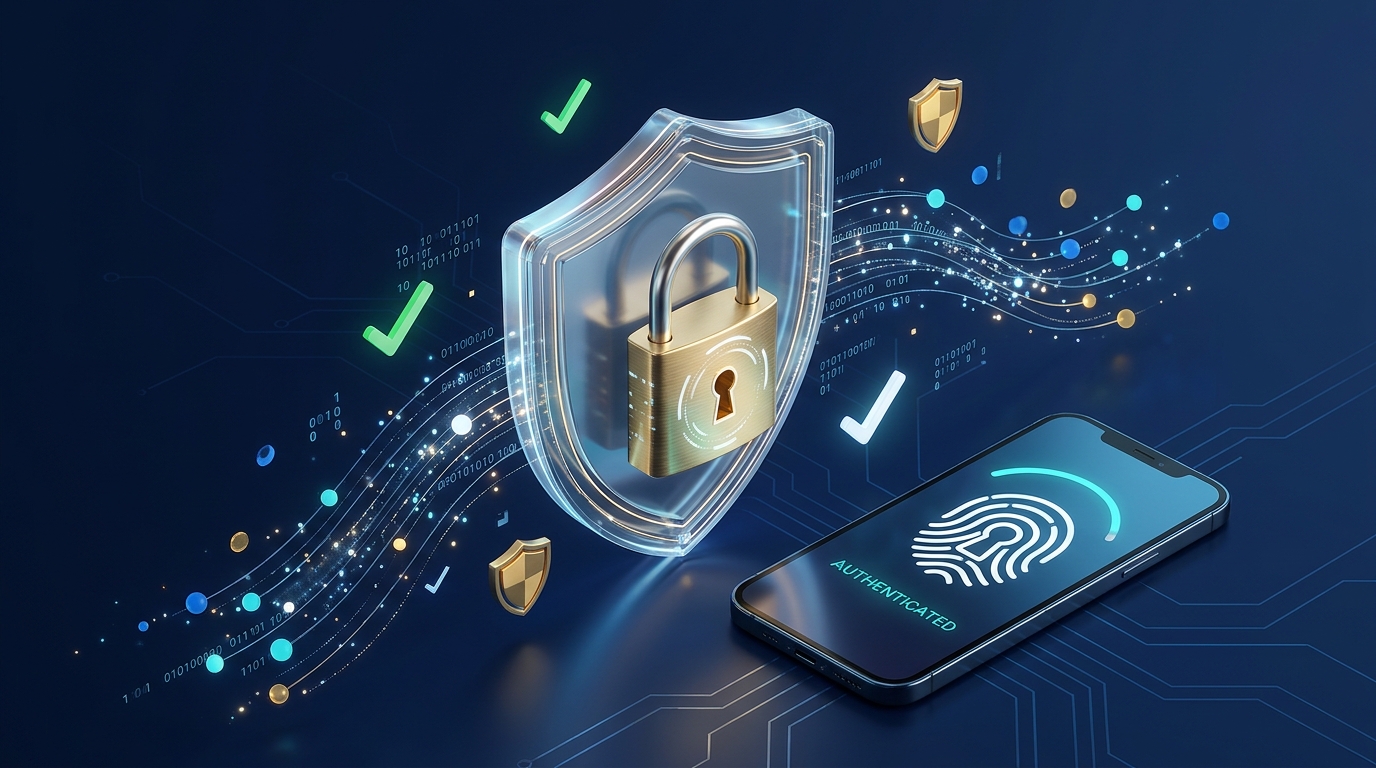
With online banking, digital wallets, and cloud accounts holding almost every detail of our personal and financial lives, cybercriminals are constantly looking for easy targets. Contrary to what movies show, most hackers do not break into accounts using complex code—they simply take advantage of weak, reused passwords and clever phishing scams.
Protecting your digital identity does not require a degree in computer science. By adopting a few modern security tools and smart browsing habits, you can lock down your accounts and make yourself virtually invisible to everyday online threats. Here are five essential cybersecurity habits to protect your money and personal data.
Quick Comparison: Account Security Methods Ranked
| Security Method | Protection Level | Ease of Use | Vulnerability Risk |
|---|---|---|---|
| Reused Simple Passwords | Very Low | High | Extreme (One leak compromises all accounts) |
| SMS Text Message Codes | Moderate | High | Medium (Vulnerable to SIM-swapping attacks) |
| Authenticator Apps (2FA) | High | Moderate | Low (Codes stay offline on your device) |
| Password Manager + Passkeys | Maximum | Very High | Minimal (Encrypted & immune to phishing) |
1. Stop Reusing Passwords and Use a Password Manager
The single biggest security mistake people make is using the same password—or slight variations of it—across their email, social media, and online banking portals. When one minor shopping website suffers a data breach, hackers immediately test that leaked email and password combination on major financial websites.
- The Smart Fix: Install a reputable Password Manager (such as Bitwarden, 1Password, or Apple Passwords). These encrypted digital vaults generate and remember unique, 20-character random passwords for every single website you visit—meaning you only ever have to memorize one strong master password.
2. Upgrade From SMS Codes to an Authenticator App (2FA)
Enabling Two-Factor Authentication (2FA) adds a crucial second lock to your accounts so a stolen password alone is not enough for a thief to log in. However, receiving those 6-digit login codes via standard text message (SMS) is no longer the safest option.
- The Smart Fix: Criminals can trick mobile carriers into transferring your phone number to a new SIM card (a scam known as SIM-swapping), intercepting your banking texts. Instead, switch your important email, crypto, and financial accounts to an offline Authenticator App (like Google Authenticator or Authy), or use modern Passkeys (fingerprint or face unlock) whenever available.
3. Freeze Your Credit Reports With Major Bureaus
Even if you guard your passwords carefully, corporate data breaches occasionally expose names, birthdates, and Social Security or national ID numbers on the dark web. Criminals use that leaked information to open fraudulent credit cards or take out loans in your name.
- The Smart Fix: Place a free security freeze on your credit file with all major credit bureaus. A credit freeze locks down your credit report so no lender can open a new line of credit without your explicit permission—and you can temporarily lift the freeze in minutes whenever you legitimately apply for a loan or credit card.
4. Spot Phishing Emails Before Clicking Any Links
Phishing attacks have become remarkably convincing, often mimicking official emails from your bank, delivery couriers, or streaming services claiming your account has been suspended.
- The Smart Fix: Never click login links inside urgent emails or text messages. Instead, open your web browser manually, type the official website address yourself (or use your saved bookmark), and log in there to check if there is truly an alert on your account. Always inspect the sender’s actual email domain—scammers frequently use subtle misspellings like
support@paypa1-security.com.
5. Keep Your Devices Updated and Use a VPN on Public Wi-Fi
Outdated smartphone operating systems and web browsers contain known security loopholes that hackers actively exploit to install silent malware.
- The Smart Fix: Turn on automatic software updates for your phone, computer, and Wi-Fi router so critical security patches install the moment they are released. Additionally, whenever you connect to free public Wi-Fi at airports, hotels, or coffee shops, turn on a trusted VPN (Virtual Private Network) to encrypt your internet traffic and prevent snoops on the same network from intercepting your data.
Building a Digital Fortress Around Your Finances
Cybersecurity is not a one-time setup; it is an ongoing habit of smart digital hygiene. By using a password manager, upgrading to app-based two-factor authentication, and staying alert to suspicious links, you can bank, shop, and browse online with total peace of mind.